Automated Promotion
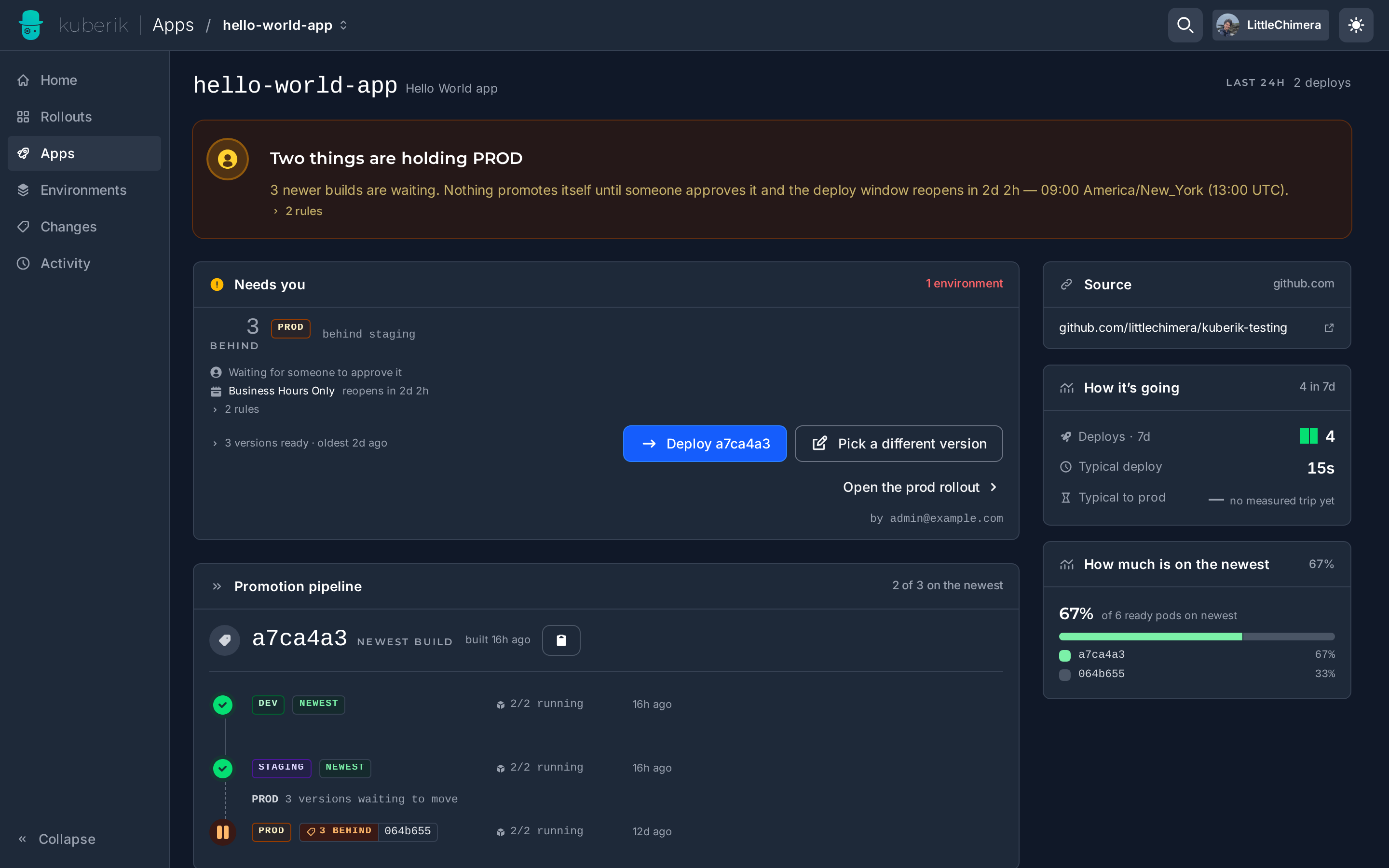
Chain environments together so production deploys only after staging succeeds. Requires the GitHub Integration.
Define Environments
Both environments must use the same backend project so they can coordinate via shared deployment status.
Create the upstream environment (staging):
staging.yaml
apiVersion: environments.kuberik.com/v1alpha1
kind: Environment
metadata:
  name: my-app-staging
spec:
  rolloutRef:
    name: my-app
  name: staging
  backend:
    type: github
    project: org/repo
    secret: github-credentials
Create the downstream environment (production) with a relationship:
production.yaml
apiVersion: environments.kuberik.com/v1alpha1
kind: Environment
metadata:
  name: my-app-production
spec:
  rolloutRef:
    name: my-app
  name: production
  backend:
    type: github
    project: org/repo
    secret: github-credentials
  relationship:
    environment: staging
    type: After
The controller automatically creates RolloutGate resources based on relationships. With type: After, only versions successfully baked in staging become available for production.
Relationship Types
| Type | Behavior |
|---|---|
After | Deploy only after the related environment succeeds |
Parallel | Deploy in parallel with the related environment |
Recommended: Add a Schedule
Combine with a Deployment Schedule to prevent automatic promotions when your team isn’t around.