Install with Helm
Install Kuberik via the official Helm chart. One release installs the rollout-controller, opt-in integration controllers, the dashboard, and the shared OIDC auth gate.
Quick Install
helm install kuberik oci://ghcr.io/kuberik/charts/kuberik \
  --namespace kuberik-system --create-namespace \
  --set createNamespace=false
The chart repo is also published as a Helm repository:
helm repo add kuberik https://kuberik.github.io/kuberik
helm repo update
helm install kuberik kuberik/kuberik \
  --namespace kuberik-system --create-namespace \
  --set createNamespace=false
Enable Integration Controllers
Each integration is off by default. Turn on only what you use:
integrations:
  datadog:
    enabled: true       # Datadog monitors as health checks
  openkruise:
    enabled: true       # canary rollouts via OpenKruise
  environment:
    enabled: true       # multi-cluster promotions via GitHub Environments
See the Datadog, GitHub, and FluxCD integration docs for the matching CR configuration.
Expose the Dashboard
The dashboard is off by default. Two front-end options — pick one.
Ingress (networking.k8s.io/v1)
dashboard:
  enabled: true
  ingress:
    enabled: true
    host: dashboard.kuberik.example.com
    className: nginx
    annotations:
      cert-manager.io/cluster-issuer: letsencrypt-prod
    tls:
      - hosts: [dashboard.kuberik.example.com]
        secretName: kuberik-dashboard-tls
Gateway API (gateway.networking.k8s.io)
Use this when you’re standardised on Gateway API or want to gate the dashboard with the OIDC auth gate — that gate requires Gateway API.
dashboard:
  enabled: true
  gateway:
    enabled: true
    parentRef:
      name: eg
      namespace: envoy-gateway-system
    hostname: dashboard.kuberik.example.com
Authenticate the Dashboard
Put the dashboard behind your OIDC provider. The chart installs oauth2-proxy in auth-system as shared infrastructure — any HTTPRoute in the cluster can opt in later via a SecurityPolicy.
dashboard:
  enabled: true
  gateway:
    enabled: true
    parentRef:
      name: eg
      namespace: envoy-gateway-system
    hostname: dashboard.kuberik.example.com
    auth: true            # attach the SecurityPolicy

auth:
  enabled: true
  oidc:
    issuerUrl: https://idp.example.com
    clientId: kuberik-cluster
    clientSecret: <oidc-client-secret>    # or set existingSecret
  canonicalHost: dashboard.kuberik.example.com
  cookieDomain: .example.com
  gateway:
    name: eg
    namespace: envoy-gateway-system
Configure kube-apiserver to trust the same client id so the id_token works as a Kubernetes credential (every dashboard action runs as the logged-in user, subject to RBAC):
--oidc-issuer-url=https://idp.example.com
--oidc-client-id=kuberik-cluster
--oidc-username-claim=email
Configure Multi-cluster Fan-out
The dashboard aggregates rollouts across clusters automatically when Environment objects carry status.environmentInfos[].environmentUrl entries pointing at other dashboards. No configuration is required for this zero-config discovery path.
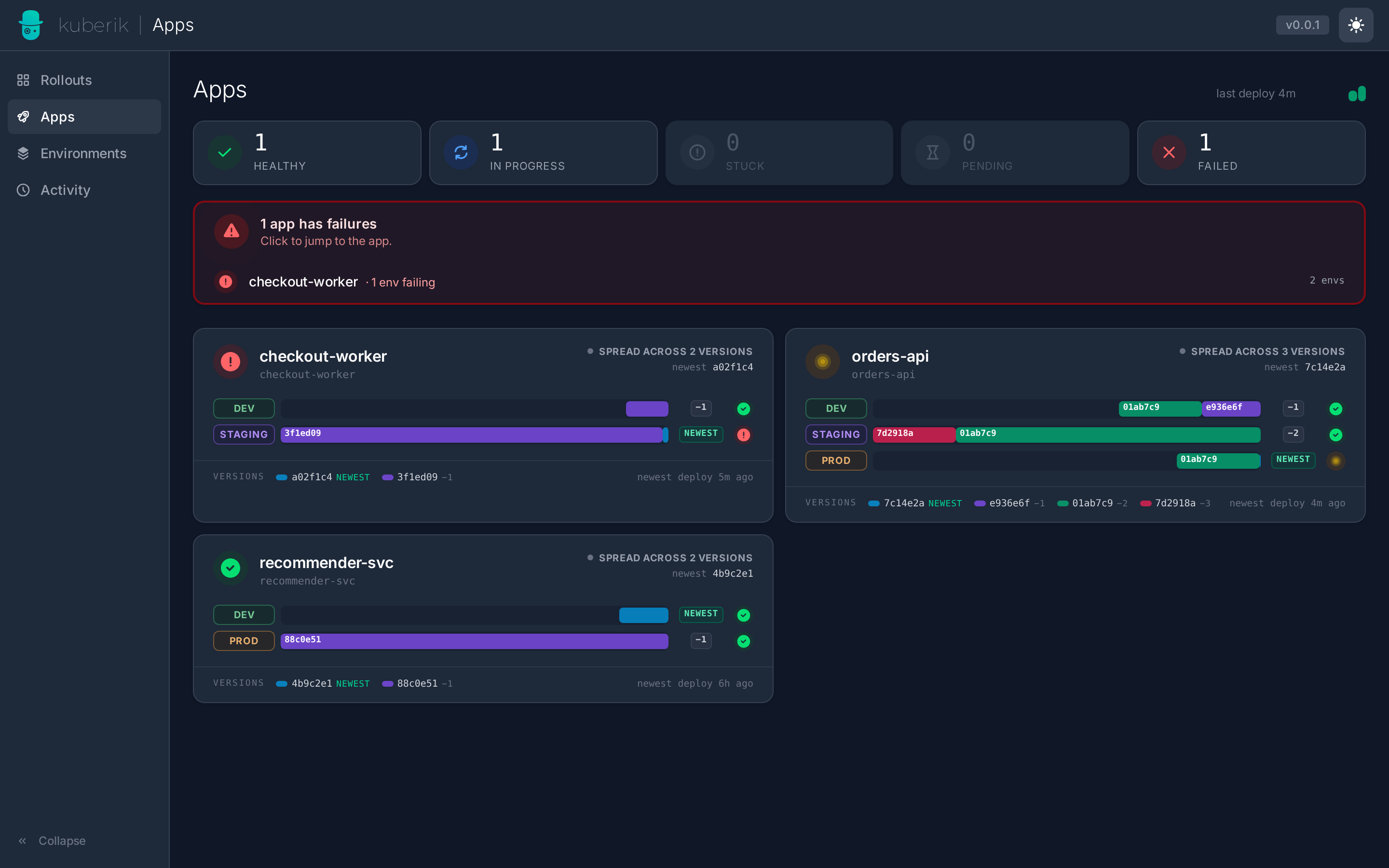
Set dashboard.url and dashboard.clusterName to help the dashboard identify itself behind reverse proxies that don’t forward Host headers — used for self-exclusion during fan-out and for the cluster display name in the hub UI:
dashboard:
  enabled: true
  url: https://dashboard.prod.example.com
  clusterName: prod
To run this instance as a spoke (serves only /api/*; redirects all UI traffic to the hub):
dashboard:
  enabled: true
  url: https://dashboard.staging.example.com
  clusterName: staging
  hubUrl: https://dashboard.prod.example.com
When any of these fields are set the chart creates a kuberik-cluster-info ConfigMap in .Values.namespace. The dashboard mounts it automatically via env vars.
insecureSkipTLSVerify: true skips TLS verification for hub→spoke calls. Use only in development environments with self-signed certificates.Production Overrides
A complete opinionated values-production.yaml ships with the chart — 3-replica controller with PDB, restricted Pod Security Admission, ServiceMonitor + NetworkPolicy, Datadog and environment-controller integrations.
helm install kuberik oci://ghcr.io/kuberik/charts/kuberik \
  --namespace kuberik-system --create-namespace \
  -f values-production.yaml
Upgrade
helm upgrade kuberik oci://ghcr.io/kuberik/charts/kuberik \
  --namespace kuberik-system -f values.yaml
Since chart 0.7.0 the CRDs are chart resources, so helm upgrade installs new CRDs and updates existing ones. Coming from a chart ≤ 0.6.1, hand the existing CRDs over to the release once first, otherwise Helm refuses with invalid ownership metadata:
kubectl get crd -o name | grep -E 'kuberik\.com$' | xargs -I{} kubectl label --overwrite {} app.kubernetes.io/managed-by=Helm
kubectl get crd -o name | grep -E 'kuberik\.com$' | xargs -I{} kubectl annotate --overwrite {} meta.helm.sh/release-name=kuberik meta.helm.sh/release-namespace=kuberik-system
Use your own release name and namespace. Helm 3.17+ can do the same with helm upgrade --take-ownership.
Uninstall
helm uninstall kuberik -n kuberik-systemCRDs (annotated helm.sh/resource-policy: keep) and the auth-system namespace are not removed. Drop them manually:
kubectl delete crd \
  rollouts.kuberik.com rolloutgates.kuberik.com healthchecks.kuberik.com \
  rolloutschedules.kuberik.com clusterrolloutschedules.kuberik.com \
  rollouttests.rollout.kuberik.com environments.environments.kuberik.com
kubectl delete namespace auth-systemRollout, RolloutGate, HealthCheck, RolloutTest, and Environment in the cluster.Troubleshooting
namespaces "kuberik-system" already exists during install
helm install --create-namespace and createNamespace: true collide. Pick one:
# Let helm own the namespace (recommended):
helm install kuberik <chart> -n kuberik-system --create-namespace \
  --set createNamespace=false

# Or let the chart own it:
helm install kuberik <chart> -n kuberik-system
auth.oidc.issuerUrl is required
Setting auth.enabled=true requires the OIDC provider details up front. Fill in auth.oidc.issuerUrl, auth.canonicalHost, and auth.gateway.name — see Authenticate the Dashboard.
dashboard.gateway.auth is true but auth.enabled is false
You opted the dashboard into the auth gate without installing it. Either set auth.enabled: true with full OIDC config, or set dashboard.gateway.auth: false.
Dashboard returns 302 to /dex/auth in a loop
Your OIDC provider’s redirect URI must exactly match auth.canonicalHost. Re-register the URI as https://<canonicalHost>/oauth2/callback and confirm the cookie domain (auth.cookieDomain) is a parent of the dashboard hostname.
ServiceMonitor not picked up by Prometheus
The ServiceMonitor lives in .Values.namespace by default. Point it at the Prometheus Operator’s namespace:
--set metrics.serviceMonitor.namespace=monitoring